Home/Guides/Why did my PNG get bigger after compression?
Why did my PNG get bigger after compression?
Saved a smaller-looking image and ended up with a bigger file? Check the output format first. A bigger file can store the same visible picture less efficiently; it does not necessarily contain more useful detail.
What changed between the two files?
- A JPG became a PNG. The JPG has already discarded some detail. PNG stores the decoded pixels without that kind of loss, often taking more space. It cannot bring the missing detail back.
- A PNG was saved again. The original may already use a small palette or an efficient encoder. Saving it with a different encoder can make it larger.
- The result barely changed. An optimized icon may have little left to remove. Zero savings can be a reasonable result.
Try a real pair of files
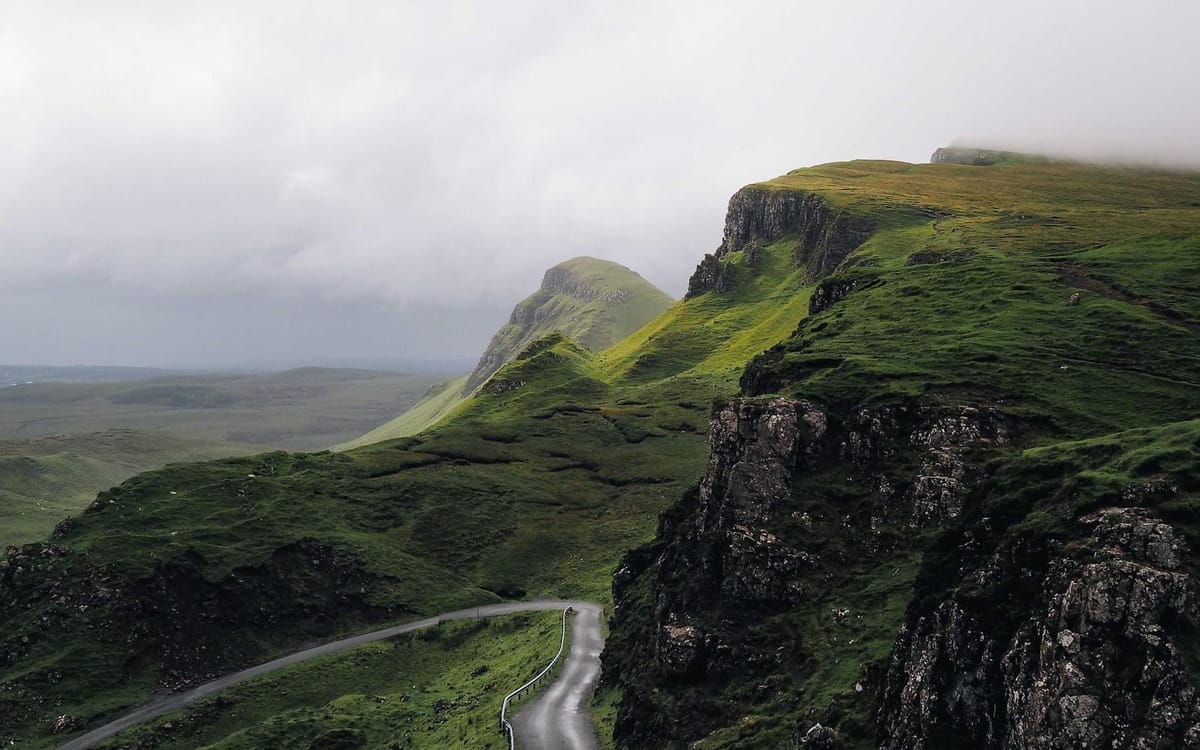
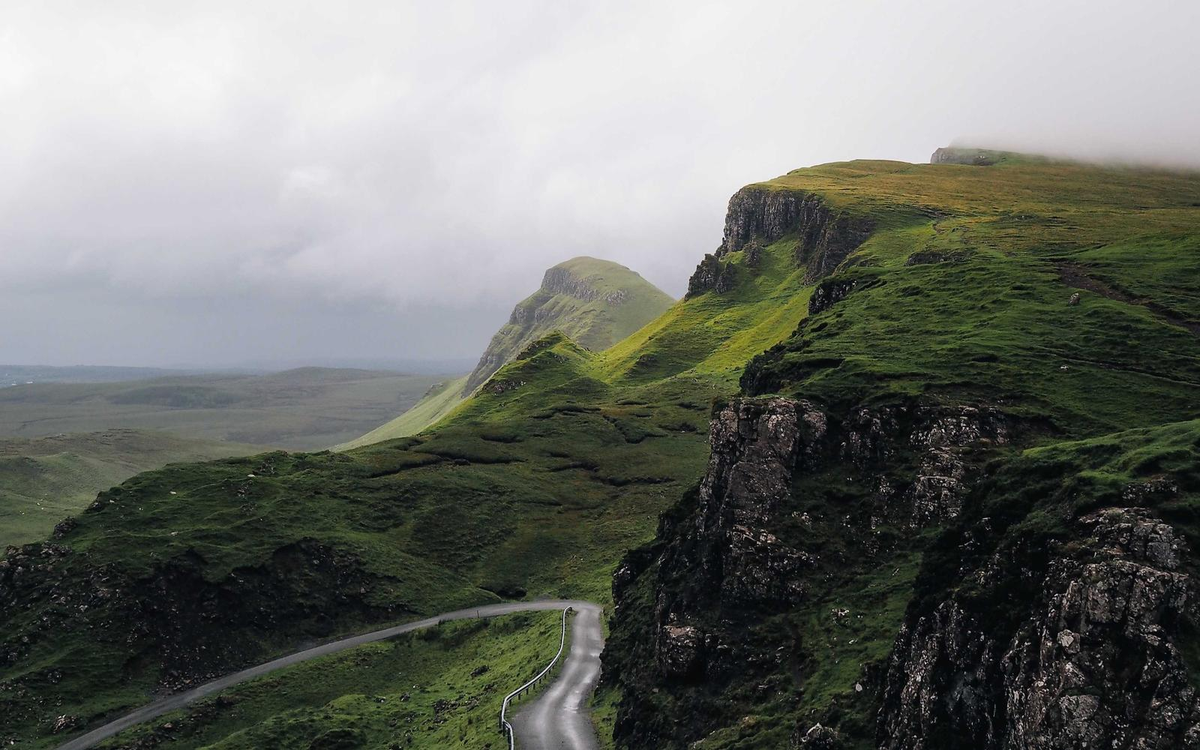
Our public landscape samples are both 1200 × 750 pixels. The PNG is 1,366,770 bytes; the JPG is 114,220 bytes. Download both and look at the texture and edges. These files use different encoding settings, so this is an example of the tradeoff, not a promised compression ratio.
Choose the next step by what the image needs to do
- A photo for an email or form: keep JPG, or try WebP if the destination accepts it. Compare a copy in the image compressor.
- A logo, screenshot, or transparent graphic: try PNG compression. Check small text and transparent edges before using the result.
- An image for a website: try WebP if it works with your publishing workflow.
- A strict upload limit: use a size target. That tool outputs JPG or WebP, so it will not meet a PNG-only requirement.
Why the PNG quality slider behaves differently
Below 100%, PicThin reduces the number of colors before encoding the PNG. A lower setting may introduce visible steps in a smooth gradient. At 100%, it skips color reduction, but the new file can still be larger. On the PNG tool page, PicThin keeps the original if the processed copy is not smaller.
Always try new settings on the original. For a transparent asset, follow our PNG transparency checklist and inspect it against both light and dark backgrounds.
Sometimes keeping the original is the right result
If exact pixels matter, or the smaller copy makes a label hard to read, keep the original. A file that already fits its destination does not need another round of compression.
For the format details, see MDN’s image format guide.